




Spinmaya App for Mobile and Desktop
Spinmaya App gives players direct access to the casino on mobile devices and computers. We keep the setup simple, so an account opens quickly and an unfinished session is easy to continue.
Spin Maya uses one profile on every compatible device. Players choose their games from the same lobby. The view stays familiar when the screen changes. Rewards and payments remain available through the same account area.



Mobile and Desktop Access at Spinmaya
Mobile play focuses on speed. The lobby opens quickly during a short break, and the cashier stays close to the games. A desktop screen gives longer sessions more room. Detailed account pages are also easier to read there.
- Access: Open Spin Maya from a home-screen shortcut or a mobile browser in seconds. On a computer, the full lobby opens in the desktop browser.
- Best use: Mobile fits short sessions. It also suits a quick spin or an account check. Bonus checks are just as easy. Desktop works better for longer play and detailed account tasks.
- Game display: Touch controls suit Royal Joker: Hold and Win and All Lucky Clovers 100. Blackjack and Plinko gain more room on a desktop screen. Roulette-style games or live tables also benefit from the wider view.
- Security: The mobile version avoids unknown file kits. HTTPS protects transactions, while login controls secure the account. Desktop sessions use the same account protection.
- Updates: Web updates reach the mobile version through the site. On desktop, a browser refresh loads the latest Spinmaya Casino content.
- Limits: Older phones load large games more slowly. Desktop play requires a fixed device and gives less freedom to move.
The account area keeps common mobile actions close. Players return to Coin Strike XXL or review free spins there. The FAQ and Support Team are available there as well. Live chat provides quick help when it appears in the account. For a longer issue, include the device and browser details. State the payment method, then explain the problem clearly.
Using the Spinmaya App on Android
On Android, the Spinmaya App runs through a modern mobile browser. Open Spinmaya Casino in Chrome or another updated browser. After logging in, add the page to the home screen through the browser menu. This creates direct access without an APK from an unknown source.
Spin Maya keeps the same profile on mobile and desktop, so a second account is not required. Keep the registered email and password private. The profile must also contain correct information. Accurate details help our Support Team protect the account. They also make verification smoother when a withdrawal or security check requires documents. Stable Wi-Fi or mobile data supports real-time account information. It also handles game graphics and sound more reliably.
Spinmaya PWA Setup and Protection
The PWA version of the Spinmaya App opens Spin Maya Casino through the browser. It gives mobile access without a separate APK or software from an unknown source.
PWA security is covered in the table below:
| Protection | How it works |
| Browser sandbox | A PWA has limited access to device resources. Access to contacts is restricted. The same applies to storage and the camera. This lowers exposure during an attack. |
| No file downloads | No APK or extra software is installed. This keeps the risk of malware from unofficial downloads lower. |
| HTTPS connection | The PWA runs over HTTPS, which supports encrypted data transfer. Protection also depends on the website backend. Its encryption standards and other security measures remain important. |
| Automatic updates | Players always open the current web version of Spinmaya Casino. This reduces the risk linked to an outdated or vulnerable app build. |
To add the PWA, open the Spinmaya website in a mobile browser. Use the browser menu to place Spin Maya on the home screen when the option is shown. The shortcut opens the mobile casino quickly. Online slots are available from the same icon. Account tools and the Support Team also stay close.
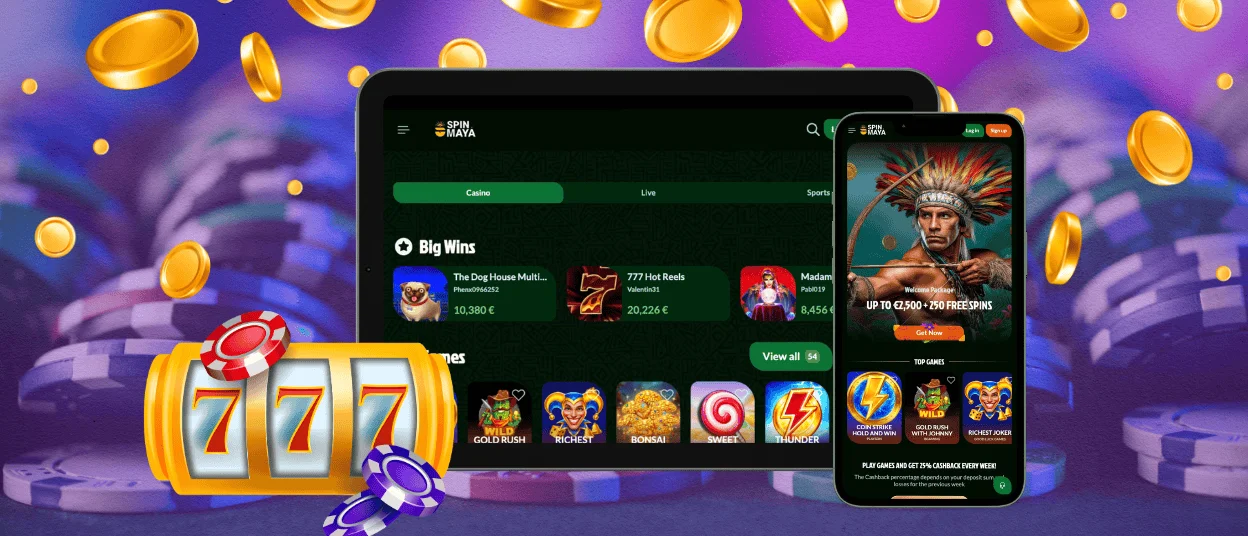
Spinmaya App on iPhone and iPad
The Spinmaya App follows the same browser-based approach on iPhone and iPad. Open Spinmaya Casino in Safari, then sign in. Use the Share menu to add Spin Maya to the Home Screen when Safari shows the option. The icon works as a direct shortcut.
On iOS, the lobby stays easy to move through. It opens smoothly, and the account area remains close during play. Games launch without a switch to a computer. Balance details and profile settings stay in the same mobile view. An updated Safari browser supports stable access. A strong password protects the profile, while shared devices should never store login details.
During verification, we request identity documents. A passport or ID card confirms identity. A utility bill or bank statement confirms the address. Proof of the payment method is requested in some cases. Clear files help the KYC Team complete the review without extra delays.
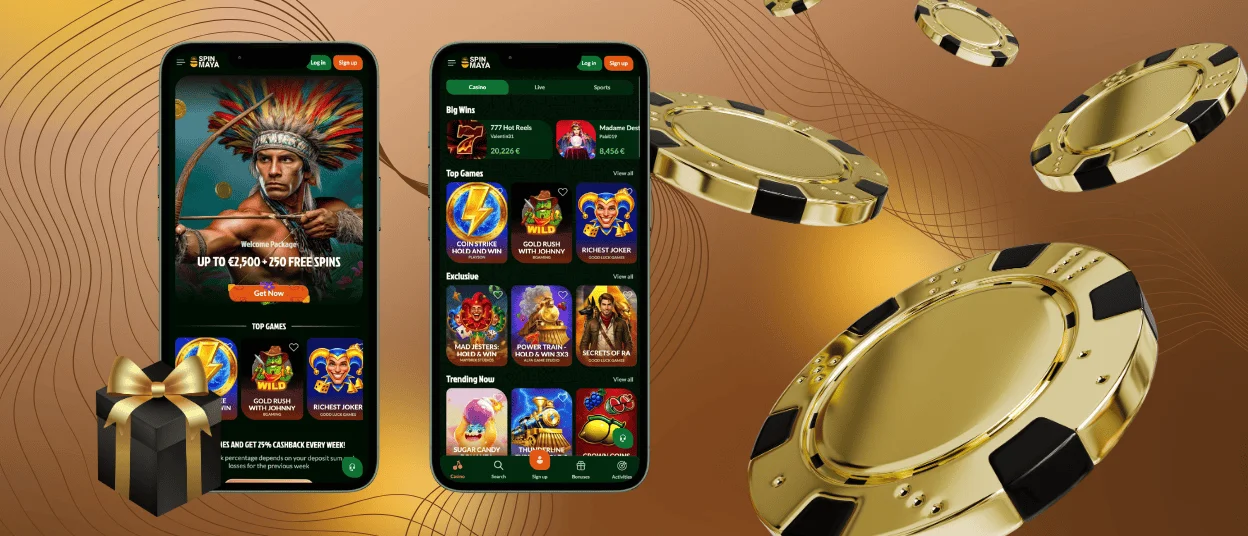
Spin Maya on Windows and macOS
On Windows and macOS, the Spinmaya App works as a desktop browser shortcut. Chrome or Edge provides this route on Windows. Safari provides it on macOS. An updated alternative browser also works when it includes the shortcut or web app option. The browser creates a desktop shortcut without risky files from outside sources.
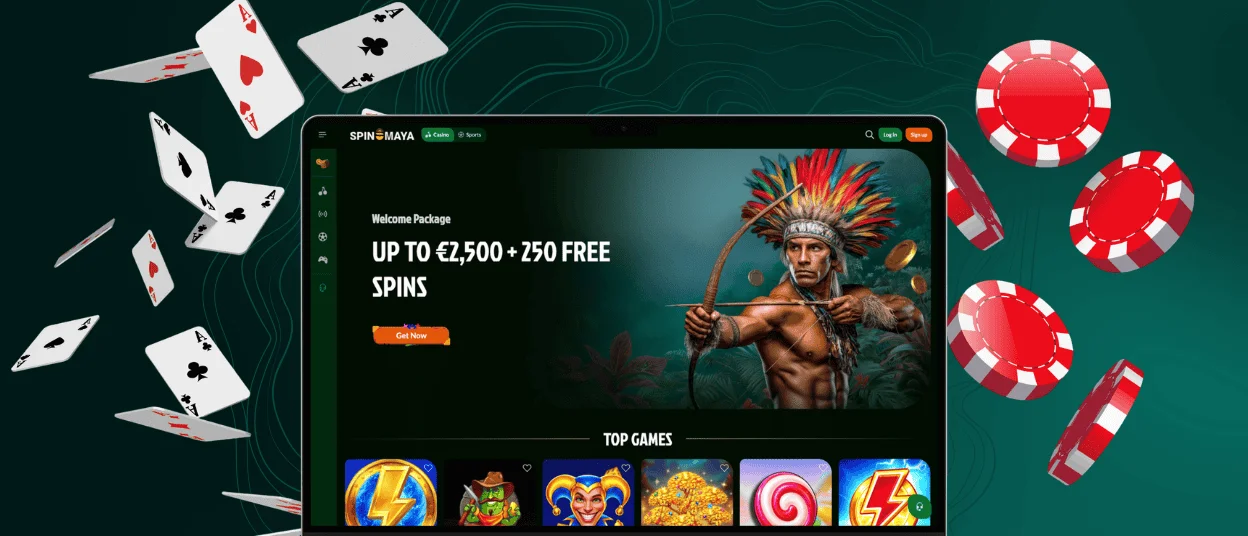
Desktop play gives the lobby more space. It suits players who prefer a full view of game categories and promotions. Account pages are also easier to review on a larger screen.
Spin Maya on desktop also supports account tasks. A larger screen makes KYC uploads easier. It gives bonus terms and payout rules more room as well. Spinmaya supports Visa and Mastercard payouts in supported locations. We process withdrawal requests within 72 hours after internal checks. The payment method determines the final arrival time.
Questions About the Spinmaya App
How Does the Spinmaya App Receive Updates?
The Spinmaya App runs through the web, so a separate update file is not required. On Android, update Chrome or the browser used for Spinmaya. iOS updates Safari through the system software. On Windows or macOS, update the browser. Clear its cache when pages stop loading correctly.
Do Mobile and Desktop Use the Same Game Lobby?
Yes. Spinmaya Casino uses the same account and lobby across devices. Game availability depends on the country and the provider. Screen size also changes how a title feels. Connection quality affects loading. Most online slots work well on mobile. Detailed tables or live layouts are more comfortable on a computer.
Does the Spinmaya PWA Work on Older Devices?
The Spinmaya PWA works on many older devices when the browser is current and the connection is stable. Large games load more slowly on older phones. Low-memory tablets need more time as well. Weak networks cause the same problem. Closing unused apps reduces the load on the device. Wi-Fi gives a steadier connection. Lighter games are a better fit when advanced graphics strain the hardware.


